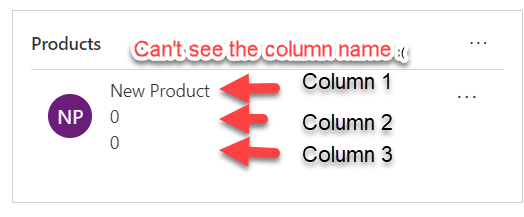
Hello Readers This blog is part of my quick tip series and will be short. if you're struggling with the responsive subgrid in Dynamics 365 and want to permanently fix it, regardless of the screen resolution/zoom or device; here's the solution: Look at the problem first- Sub-grid 1-You see a sub-grid like this: Sub-grid 2-And... Continue Reading →
#TGIF Episode 6: UI Flows (RPA) in Power Automate (Both desktop & web app)
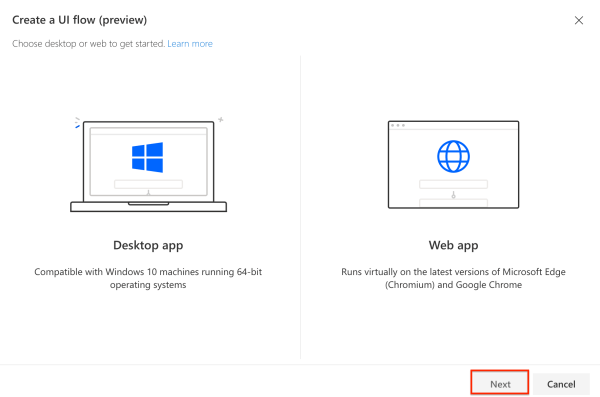
Hello Readers and Viewers In this episode we will learn about the business use cases of robotic process automation or UI Flows. If you want to learn about setting up UI flows, please read this post https://diyd365.com/2019/12/11/everything-you-need-to-run-a-ui-flow-power-automate We will look at both desktop and web app. I have taken two business scenarios: Automation Testing of... Continue Reading →
Everything you need, to run a UI Flow (Power Automate)
Hello Readers In this post I will take you through the setup required to run a UI Flow (Robotic Process Automation) RPA. Now you might not need it if you running your flow manually and it is not triggered by a button, event etc. Step 1: Log on to flow.microsoft.com Step 2: Go to My... Continue Reading →